


Point. It locks. Done.
QR codes. Every barcode. Even the awkward ones — all read in under a second.
QR · Website
Website
smartqrscan.app
Safe to open
The QR scanner that catches phishing links before you tap. Private, on-device, beautifully built for iPhone.
Download for iPhoneDownload for AndroidSee how it protects you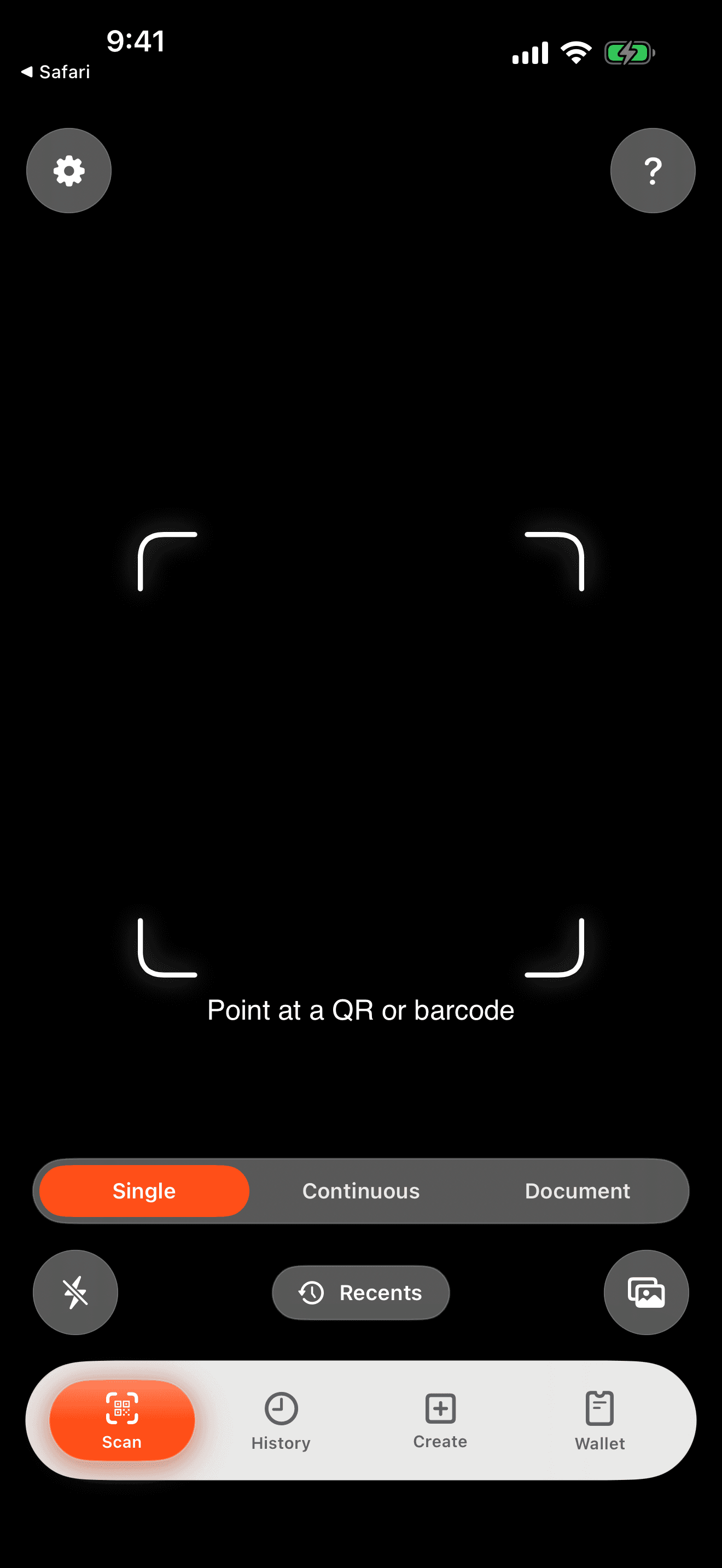
Everything you need
Lock onto any code in a heartbeat. Catch bad links before you tap. Save the ones you love. Share what you create.
QR codes. Every barcode. Even the awkward ones — all read in under a second.
Website
smartqrscan.app
Safe to open
A second-opinion before you tap.
bank-verify.tk/loginRisky
Don't tap
0/100
Wi-Fi, tickets, pay codes — always handy.
Home Wi-Fi
Join in one tap
UPI to me
₹500 ready
My contact
Save name + phone
Loyalty
Coffee shop
Pick a style, add your logo, done.
Scan a product, see what's really in it.
Oat Drink — Barista
Plant-based · Unsweetened
Nutrition
Eco
Heads up — contains gluten.
Drop the scanner on your iPhone home screen — no app to open.
Tap to scan
Sorted by what it is. Searchable in seconds.
Safety check
Most QR scams hide behind a friendly-looking link. We pick up the tells — spelling tricks, fake letters, dodgy domains — and warn you in plain language before you tap.
Runs on your phone. Nothing sent anywhere. Nothing logged.
Get the app — freehttps://bank-verify-secure.tk/loginVerdict
Risky
Risk score
0/100
Pretends to be your bank
Spelled almost like the real one
Sneaks in fake letters
Looks like ‘a’ — isn't ‘a’
Hides on a free domain
Real banks don't use .tk
Asks you to ‘verify’
Classic phishing line
Scan
QR, every common barcode, even the weird ones. Each one opens to the right thing — Wi-Fi joins, a pay screen, a contact card.
Bad links
Spots fake bank pages, fishy domains and 'verify your account' traps — before you tap.

Wi-Fi
Point at the sticker on the wall. You're online.

Payments
Scan, pick your app, send. Amount and note pre-filled.

Contacts
Name, phone, email — straight to your contacts.

Products
Nutrition, eco-score, allergens.

Books
Scan the back. Title, author, year appear on the spot.

Events
Title, time and location — already filled in.

Good links
Most QRs are fine. Tap with confidence under the green badge.

Create
Pick a template, a style, your colors, drop in your logo. Wi-Fi, payment, contact, playlist — fifteen ready-to-use templates. Never a watermark.
Template
Payload
https://smartqrscan.appClassic. Goes with anything.
Foreground
Dot style
Preset
Save
Wi-Fi for guests. Your boarding pass. The QR your coffee shop scans. Save it once, pull it up in a tap — no fishing through screenshots.
Get the appAll Items
24 items
Shopping
12 items
Library
8 items
Actions
17 items
Home Wi-Fi
WPA2
UPI to me
₹500
My vCard
Contact
Boarding
PKPASS
Loyalty card
Code 128
Greet
Know
Scan a product, see what's really in it. Scan a book, get the cover and the backstory. Set a diet profile and we'll flag conflicts before you buy.
Scanned product
Oat Drink — Barista
Nutri-Score
Grade B
Eco-Score
Grade A
Conflicts with your diet
Contains gluten and oats.
47 kcal
Energy
5.7g
Carbs
1.0g
Protein
Scanned book
The Old Man and the Sea
Ernest Hemingway
The Old Man
and the Sea
1952
Author
Ernest Hemingway
Year
1952
Pages
127
Genre
Novella
Pulled together in a heartbeat.
Everywhere
Share menu, Photos, your home screen, Siri. You don't need to open the app — it just shows up the moment you need it.
Share menu
Scan a link straight from Safari, Photos, Notes — anywhere.
Hidden QRs in photos
Scan codes inside a screenshot or saved image.
Home-screen widgets
A scan button, quick actions, your saved codes.
‘Hey Siri, scan a QR’
Voice it. Done.
Share Sheet
Scanner widget
Tap to scan
Siri Shortcuts
Wallet widget
Home Wi-Fi
Private by default
No account. No ad tracking. No ads. Your scans never leave your phone.
Inclusive
Whatever you've set up on your iPhone — bigger text, VoiceOver, reduced motion, higher contrast — we follow it. Down to the smallest button.
Every button, every result, read out properly. Decorative bits stay out of the way.
Tested with screen readers
Type scales all the way up — even on the largest accessibility sizes — without breaking layouts.
Up to the largest system size
Turn it on in Settings and the bouncy bits calm down. The scanner stops pulsing. The shimmer goes still.
Respects your iOS setting
Stronger outlines. Solid backgrounds. Heavier focus rings. Easier to read in any light.
Meets WCAG AA